
Why your subscriptions stop working overseas
The bank app, the news you pay for at home, the stream you already subscribe to — some of it behaves differently when you travel. Here is why, in plain English.
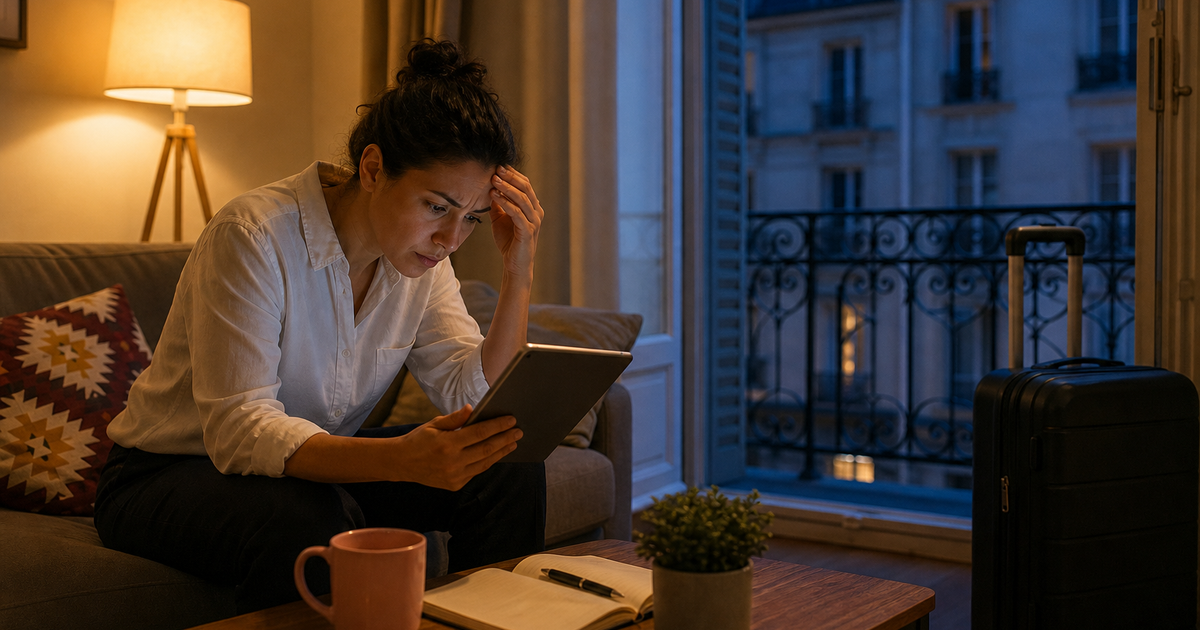
You’re sitting in a hotel, the match is on at home, you open the app. It loads… and then it doesn’t. “Service is only available in your home country.” You paid for it. You’re you. Why has the app suddenly forgotten who you are?
Welcome to geo-blocking. It is one of the most common reasons people start looking into VPNs — and one of the most misunderstood. This post is the honest version. A VPN can make a home-country IP appear on the other end of the tunnel. That is not a licence to break a streaming service’s terms, and it is not the same question as whether a VPN is legal where you live.
How services know where you are
Every device on the internet has an IP address — a network number that, among other things, broadly identifies which country you’re connecting from. When you open a streaming app, a news app, or sometimes a bank, the service checks your IP address against a list of allowed countries. If you’re not in one of them, the app politely refuses to play.
That isn’t the company being mean. Most streaming content is licensed by country. The technology has to enforce what the contracts say. Banks and government services do a related thing for a different reason: an overseas login can look like fraud. The symptom feels the same: the app you pay for at home has stopped behaving.
Home streaming and the IP check
Rights deals are geographically scoped. The service you pay for at home has usually licensed a catalogue for one country, not every hotel you will ever sit in. If you flew from Australia, ABC iView and Kayo are the usual examples. Connect to a home-country server and you appear to be at home. That is a technical description of an IP path. It is not a promise that every app will play along.
What a VPN does about the IP check
A VPN routes your traffic through a server in a country you choose. To the service, you appear to be connecting from wherever that server is. Connect to a home-country server and you appear to be at home — even if you’re sipping a beer somewhere else.
For a traveller, that is the obvious use case: keep home-country services reachable while you’re away. Banking flows, news sites, and some video apps snap back to the version you already pay for. That is a routing fact. It is not legal advice, and it is not a rewrite of someone else’s licence.
Law vs a company’s terms — say it plainly
Plenty of VPN articles dance around streaming. Arresti will not.
The criminal law is about fraud, copyright infringement, unauthorised access. Using a VPN does not make those things legal. Using a VPN also does not, by itself, make you a criminal.
A streaming service’s terms are a contract with that company. Many of them say you must not disguise your location. Breaking those terms is usually not a police matter. They can still lock the account, cancel the subscription, or refuse to play. That is their service and their rules. A VPN is not a permission slip.
If you want certainty, read the terms of the service you care about. We will not pretend Arresti can rewrite them. We will not tell you a VPN is a way to watch a library a service has not licensed in the country you appear to be in. You only get what they are allowed to show in that country.
Some services also block known VPN IP addresses. If one server is rejected, another often works. That is a cat-and-mouse game they chose to play. It is not “the VPN is broken,” and it is not a guarantee that a given title will load on a given night.
It’s not just streaming
Streaming is the obvious example, but a lot of home services do something similar. Your bank may show a different login flow or block you outright. Government sessions may behave oddly. Some news sites paywall content for visitors they treat as overseas. Connecting to a home-country VPN server makes most of these snap back to normal — again, subject to that organisation’s own rules and fraud checks.
Hotel Wi-Fi sits underneath all of this. Even when the app would work, the network is shared. See hotel Wi-Fi on a shared network and the wider travel VPN post.
How to set yourself up
- Install your VPN before you leave. Some app stores aren’t accessible from every country. Download the Windows app at home. Windows guide.
- Test at home. Connect to a home-country server, then open the apps you’ll want overseas.
- Pick a city close to the path, not just a country name.
- Connect to the VPN first, then open the app. Most apps cache location for a while.
- If one server doesn’t work, try another. Then read the terms. We would rather you were annoyed at us for being dull than surprised by a locked account.
The point
Your subscriptions don’t have to stay home when you do — but a VPN is a privacy and routing tool, not a rewrite of someone else’s licence. Use it for the path. Stay honest about the contract.
Arresti is one plan, up to 5 devices, AUD $3.99 a month or AUD $43 a year, 30-day money-back guarantee. Sign up here.