
Public Wi-Fi in Australia: what's safe, what isn't
Sydney Airport, Maccas, your local library — we connect to a lot of free Wi-Fi in this country. A plain-English look at which ones are fine, and where to take care.
Australians love free Wi-Fi. Libraries offer it. Shopping centres offer it. Fast-food chains offer it. Councils put it in the park. Airports wave you onto it before you have found the gate. For the most part this is a public good — it takes pressure off mobile data. “Free and convenient” does not mean “as private as your home network,” and the difference is worth knowing before you start doing your banking in the food court.
Using a VPN on those networks is legal in Australia for ordinary privacy and security. You are still responsible for what you do while you are connected.
Not all public Wi-Fi is the same
There is a quiet hierarchy of “how private is this, really” that most people never think about. Roughly, in Australia:
Open, no password, no captive portal. The worst. Anyone in range can join. Anyone on the network with the right tools can watch traffic that isn’t otherwise encrypted. Still common at small cafes and on tourist-heavy strips.
Open, with a captive portal “accept terms” page. A bit better — the operator at least knows who connected and can throttle abuse — but the radio link is still open. This is most airports, shopping centres and fast-food restaurants. Think Sydney Airport, Melbourne Central, the Maccas on the highway. Queensland holiday weekends look the same — cafe, airport and hotel Wi-Fi. See public Wi-Fi on the last QLD school-holiday weekend.
A WPA2/WPA3 password the staff give you. Better still — the radio link is encrypted — but the password is shared with every other guest. Most cafes and a lot of libraries that have moved off a completely open SSID.
A network you already belong to — workplace, university, a membership you actually have. Generally safer, but only as safe as that organisation’s IT. “Staff wifi” printed on a napkin is not the same as your own router.
The same risks exist on public Wi-Fi worldwide
None of this is uniquely Australian. An open cafe network in London, a terminal SSID in Singapore, a library password written on a whiteboard in Vancouver — the radio is still shared, DNS still leaks names, and lookalike networks still work because people tap the first familiar name. If you want the general explainer rather than this local page, read how a VPN protects you on public Wi-Fi.
What is actually risky on Aussie public Wi-Fi
It is worth being calm about this. Most modern apps and websites use HTTPS, which encrypts the connection between you and the service regardless of the network — banks, email providers and major sites are all on HTTPS. If you’re using a well-maintained app on a typical network, you’re already encrypted end-to-end at the application level.
Where things go pear-shaped on the networks we actually use:
- Old apps that aren’t HTTPS-only. Some niche apps, internal tools and older sites still send some traffic in the clear. On public Wi-Fi, that’s visible to anyone snooping.
- DNS lookups. Even with HTTPS, the names of the sites you visit are usually visible in DNS queries unless you have turned on DNS-over-HTTPS or you are using a VPN.
- Captive portals injecting content. Some networks inject ads or tracking into pages. Less common in Australia than in tourist destinations overseas, but it does happen.
- Lookalike networks. A laptop in the corner broadcasting “Free_Airport_WiFi” next to the real airport network. People join the wrong one and the fake operator sees more than they should.
The library is not automatically safer than the cafe. The airport is not automatically worse than the food court. What matters is whether the network is shared, whether it is open, and whether you are about to type something you would not type on a stranger’s laptop.
What a VPN does about it
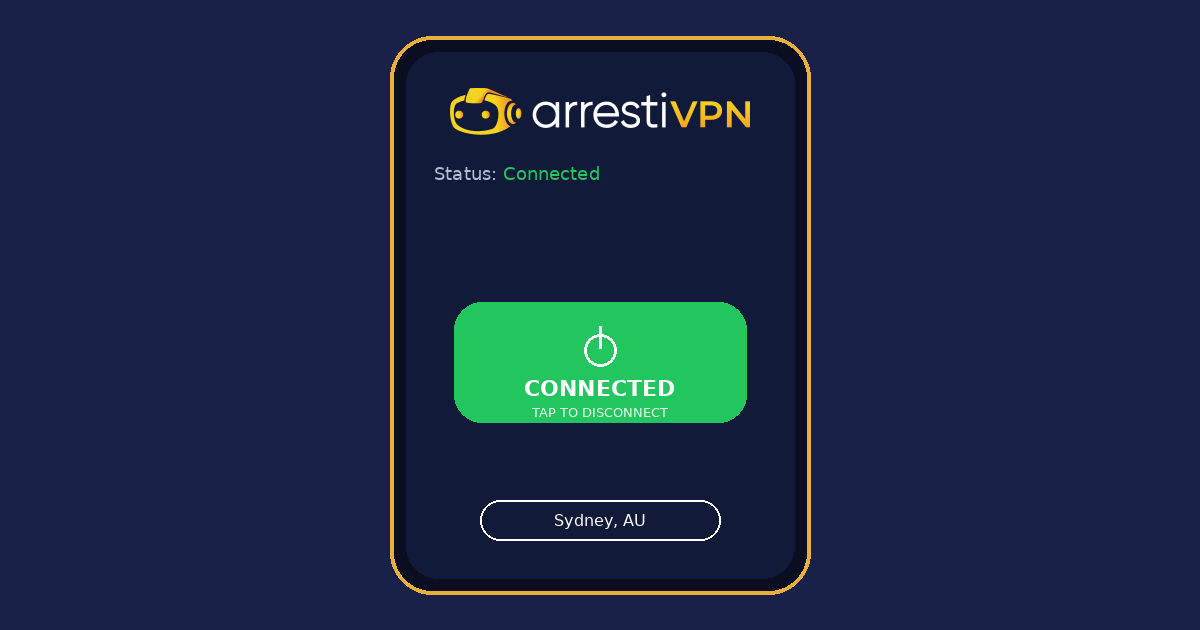
A VPN encrypts everything between your device and a VPN server, including DNS lookups and the names of sites you visit. The cafe, the airport operator, and anyone else on the network see encrypted traffic going to a known VPN provider — not the apps you’re using.
It also blunts lookalike-network attacks. Even if you accidentally join a fake SSID, the VPN tunnel is set up before any meaningful data leaves your device, and the fake operator can’t see inside it.
It does not make you invisible on MyGov or internet banking once you have logged in. You are still you. It is not antivirus. It is not a reason to skip updates.
An Aussie-friendly checklist
- Treat any open network as semi-public. Skip activities you wouldn’t do on someone else’s laptop.
- Don’t log into MyGov, the ATO, banking or government services on open Wi-Fi unless you have to. Use mobile data or a VPN.
- Turn off “auto-connect to known networks” on your phone.
- If a network has the same name as one you’ve used before but no padlock icon, be suspicious. Forget it and pick another.
- Use a VPN on anything that’s open or shared. One tap on a phone. On Windows, download the Arresti VPN app and click Connect. Windows guide.
- Keep your phone and laptop OS up to date. Half the protection on a public network is just being patched.
The point
Public Wi-Fi in Australia is mostly fine, mostly. The problem is “mostly” isn’t great when you’re logging into your bank at the airport. A VPN takes “mostly” off the table — private on the path, every time, with the same low-friction tap.
Arresti VPN is Australian-owned, veteran-owned, with a strict no-logs policy. One plan, up to 5 devices, AUD $3.99 a month or AUD $43 a year. 30-day money-back guarantee. Sign up here.